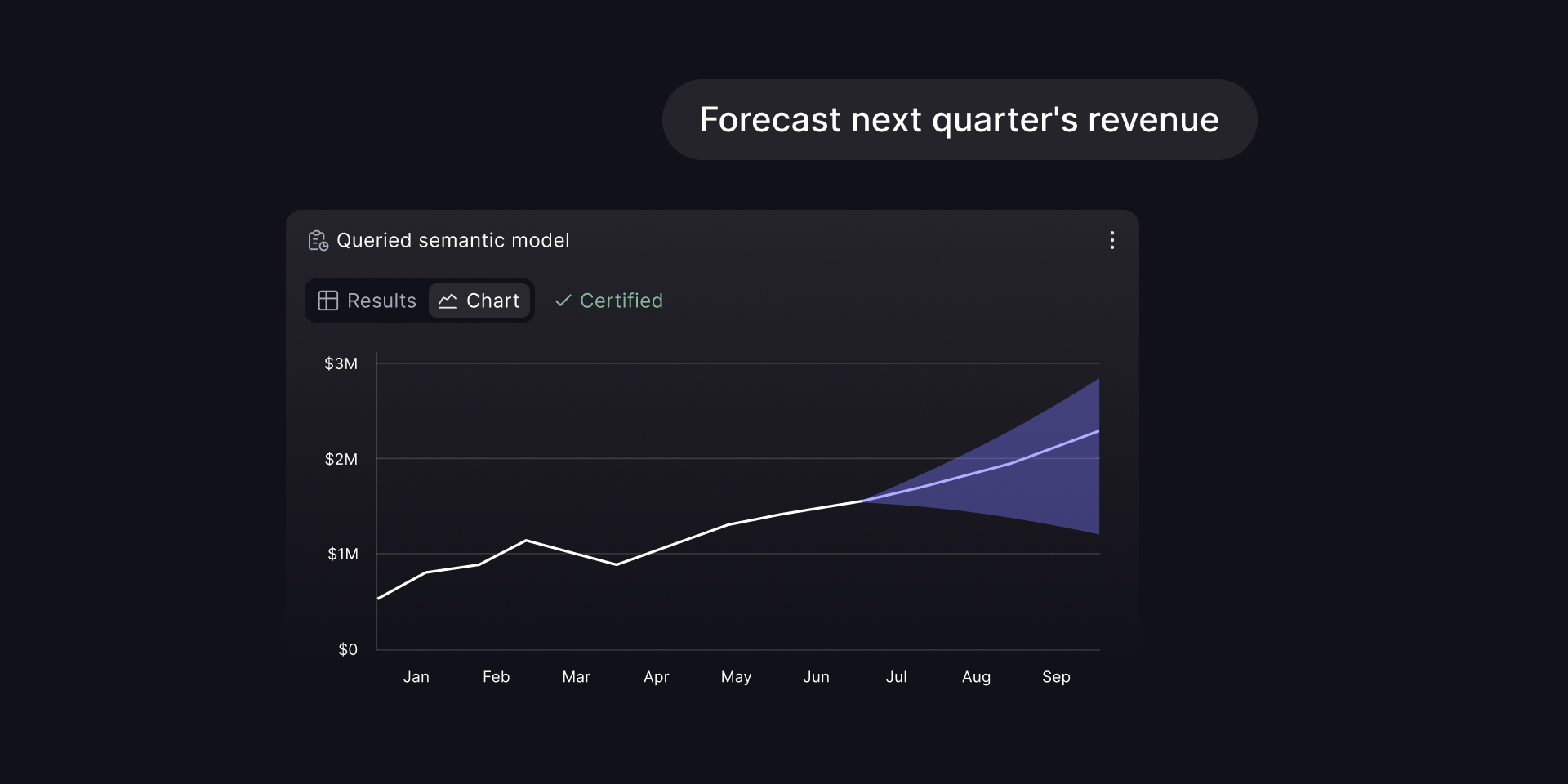
Today we're launching Cube's Claude Connector in the Connectors Directory. Install it in Claude, sign in to Cube, and Claude can work across the platform with the same permissions you already have. It can analyze governed data, build dashboards, and make approved changes to the semantic model.
For a growing number of people, Claude is becoming the single entry point to knowledge work. They send instructions to Claude instead of signing in to each application and clicking through its interface. Claude finds and uses the tools it needs to complete the task.
Power users run tens of active Claude sessions at once, working across dozens of applications.
At Cube, the fastest-growing use case this year is agents working directly with the semantic layer on behalf of people. Most of that work is part of a larger task happening across several tools, so the agent needs to reach Cube from wherever the task is running.
We shipped the Cube CLI in July to give agents a direct, scriptable way to work with Cube from the terminal. Today, the official Claude Connector is available in the Connectors Directory, so Claude users can connect their Cube account without configuring an endpoint by hand.
The semantic layer for agents
Agents are already good at writing SQL to explore data. A warehouse schema, however, doesn't tell them how your company defines revenue, whether refunds are included, or which of several date columns finance uses for reporting. The SQL can run successfully and still answer a different question.
We're focused on building the best infrastructure for agents to explore data, and we believe the semantic layer is the right abstraction for that work. In Cube, the agent queries named measures and dimensions instead of rebuilding business logic from table and column names. The definition of revenue, the joins behind it, and the applicable access policies all come from the semantic model.
The semantic layer also gives the work provenance and auditability. Teams can see which governed metrics the agent accessed and whose permissions applied. Claude uses the permissions of the person who connected it and doesn't need a separate warehouse credential.
We designed Cube's semantic layer to remain flexible at query time. With Semantic SQL, an agent can add ad-hoc calculations on top of a governed data model instead of being limited to predefined measures. Those intermediate calculations let the agent complete more complex research and analysis without leaving the semantic layer.
Installing the Claude Connector
Open the Connectors Directory in Claude, search for Cube, and click Install. Authorize with your Cube credentials and, if you belong to more than one Cube account, choose the one you want to connect.
If the account has multiple deployments, Claude can list them and select the deployment to use for each tool call. If you don't name one, it uses the default deployment selected by your administrator.
Cube agent skills
Today we're also publishing Cube agent skills, an open-source repository of skills based on the Cube CLI we released in July. They give Claude Code a playbook for common Cube tasks: researching data, changing the data model, running queries, and operating Cube.
The open-source repository contains nine skills:
- Explore and query. Use
cube-explore-modelandcube-explore-contentto find measures, joins, model files, workbooks, and reports. Run governed queries withcube-run-query. - Build. Edit data models with
cube-build-model. Create or update workbooks, reports, dashboards, and notifications withcube-build-content. - Operate. Configure Cube's in-product agent with
cube-configure-agent, manage access withcube-admin, handle embedded analytics withcube-embed, and manage deployments withcube-deploy.
The repository uses Apache 2.0, the same license as Cube Core. Install the skills in Claude Code with:
Before running, each skill checks that the CLI is installed and authenticated. If either check fails, it stops and returns the relevant installation or login command.
Get started
The Claude Connector is available in the Connectors Directory now. The Cube agent skills repository contains the source, installation commands, and documentation for all nine skills.