MCP Connectors
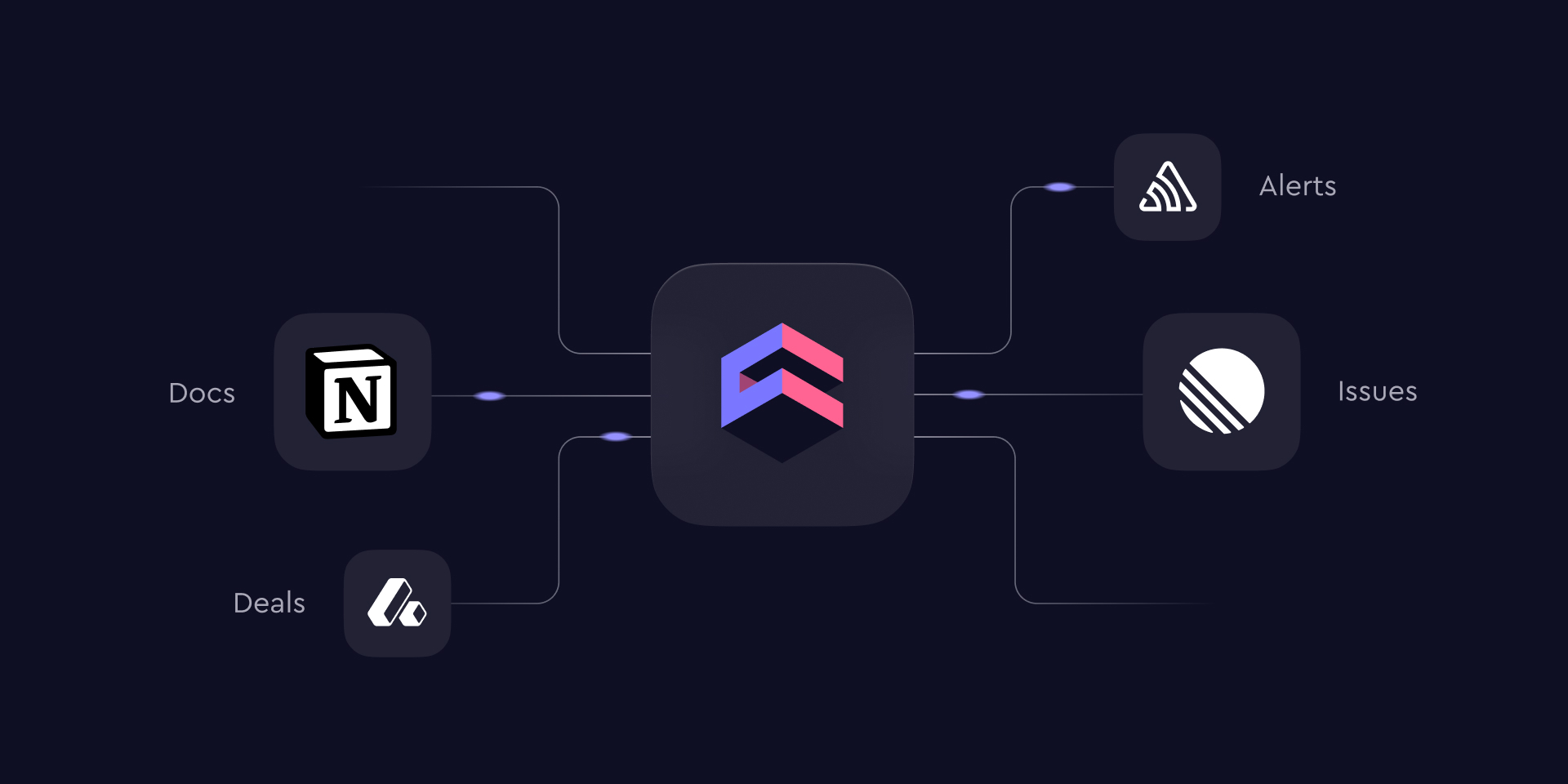
A number tells you something moved; the reason usually lives in a ticket, a doc, or an error tracker. With MCP Connectors, the Cube agent can now reach the external tools your team already uses — and pull that surrounding context into the same conversation, while every answer stays grounded in your semantic layer. We're launching with Notion, Linear, Sentry, and Attio, with many more connectors on the way — and you can already point to any remote MCP endpoint with a custom connector today.
Ask "activation dropped last week — what changed?" and the agent can combine the metric with the features that shipped and the errors that spiked. It works both directions: results can be written back as a Notion page, filed as a Linear ticket, or posted wherever your team works. Set up connectors from the connector directory; administrators choose exactly which tools the agent can use — nothing is enabled by default — and every connection respects your existing access controls.
Each user connects their own accounts: connectors that need a personal login are authorized per user and can be reviewed or revoked from Connected accounts in your preferences. Read the full story in Introducing MCP Connectors.
Other improvements and fixes:
Workbooks
- The SQL Runner is now available in Explore, not only in Workbooks
- Semantic view hierarchies now render in Explore
- You can now delete a workbook directly from the workbook page
- Workbook widgets now show structured, readable query error messages
Dashboards
- Added a Duplicate action to the dashboard and workbook builder menus
- Dashboard builder filter and time-granularity pickers now show dimension type icons
Visualization
- Added color scale (heat mapping) for the Table chart, so cell backgrounds shade by value
- The Table chart can now render values as in-cell data bars with a Display as control
Administration
- Added a SQL Runner permission to the custom role builder so you can control who can run raw SQL
AI
- The Cube agent can now search the web and read linked pages, bringing current, real-time information into the conversation alongside your data
- The Cube agent can now email members of your workspace, for example to send analysis results or a summary
Embed
- You can now share a Creator Mode dashboard with a specific embed tenant, not only with all embed users
Integrations
- Semantic view hierarchies now render in the Google Sheets and Excel add-ons
- The Google Sheets and Excel add-ons now follow your light and dark theme
Modeling
- The Security Context tester now has an Advanced mode for overriding Cube Cloud groups and user attributes, so you can preview exactly what any user or group sees across Explore, Workbooks, Dashboards, and Chat
- Added BigQuery support for dbt pull