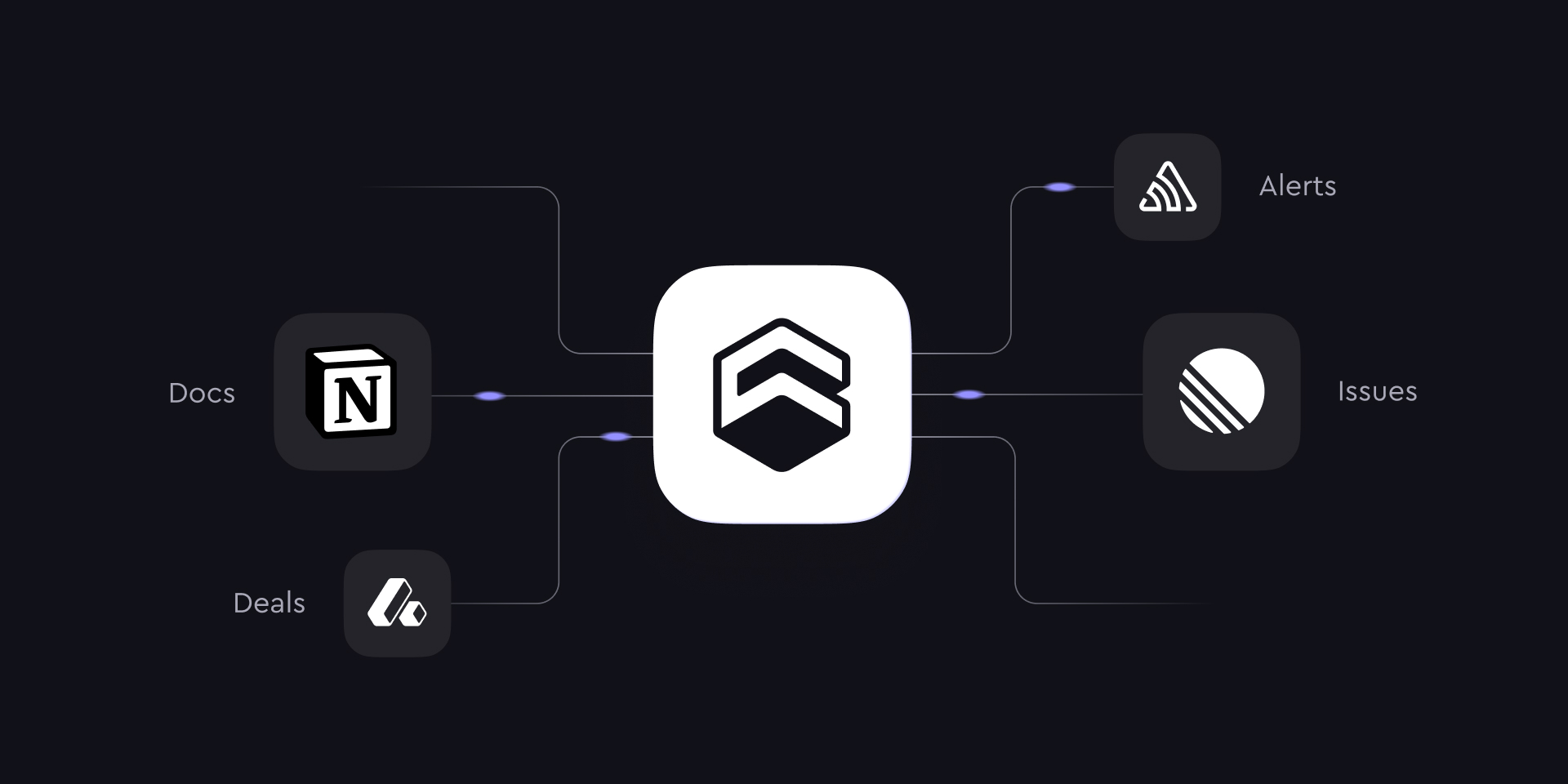
Today we are introducing MCP Connectors, a way for the Cube agent to use tools from systems your team already works in—Notion, Linear, Sentry, your CRM—while it answers questions against your semantic layer.
When we shipped Cube Agentic Analytics, every answer the agent gave was grounded in the measures, dimensions, joins, and access policies your team defined. That's the right foundation for "what are the numbers." But a lot of the questions people actually bring to a data tool reach past the numbers. Why did activation drop last week? What shipped right before it? What did the incident that bracketed it look like? The number tells you something moved; the reason usually lives in a ticket, a doc, or an error tracker, not in the warehouse.
MCP Connectors let the agent go get that context. Connectors are outbound integrations built on the Model Context Protocol (MCP), an open standard for exposing tools to an AI agent. The agent reads the tools a connector makes available, decides from your request and each tool's description when one is relevant, and uses it in the same turn as a semantic-layer query.
How a connector is set up
Connectors are organized in three layers, all managed by an administrator for the whole organization:
- Connectors. Each one is a connection to an external MCP server.
- Tools. The specific actions a connector exposes—search a workspace, create an issue, look up a record.
- Availability. You choose exactly which tools the agent is allowed to use. Nothing is enabled by default.
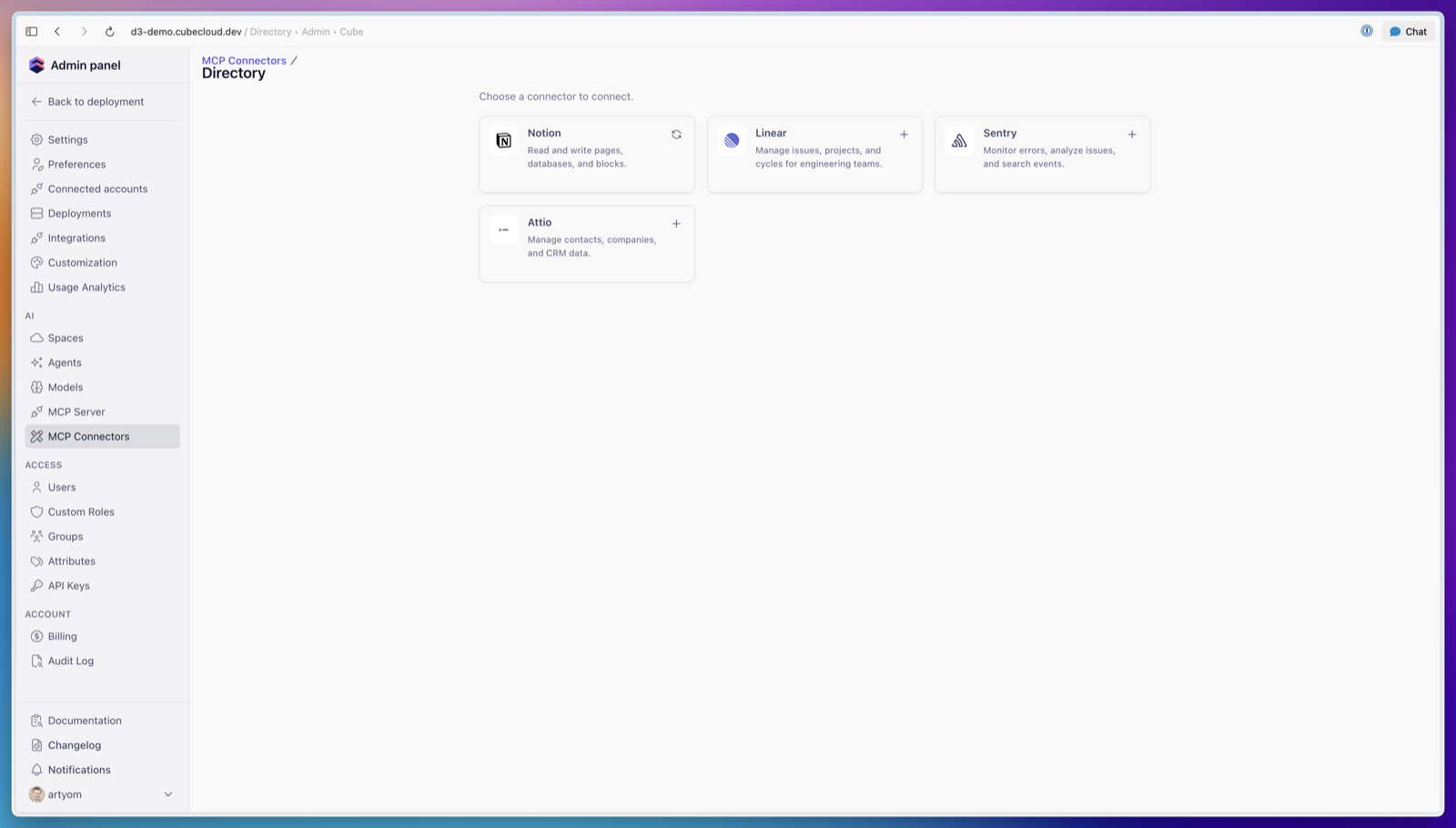
There are two ways to add one. A directory connector is a vetted integration: pick the service, complete OAuth or enter credentials, and turn on the specific tools you want. A custom connector points Cube at any remote MCP endpoint you run or trust: give it the HTTPS URL and an authentication method, and Cube discovers the tools so you can enable them selectively.
The directory launches with Notion, Linear, Sentry, and Attio, and we're adding more. For anything that isn't there yet, a custom connector connects any remote MCP endpoint today.
It runs on the governed model, not around it
A connector widens what the agent can see, but it doesn't change what your numbers mean. When the agent reports revenue or active customers, those still come from the semantic layer, using your team's definitions and your access policies. The external tool supplies the surrounding context—the ticket, the doc, the error—and the agent reasons across both in one answer.
The same applies to permissions. When a tool needs authorization, the agent asks for it in chat before the tool runs, and it reaches a connected system through the credentials or OAuth grant you configured for that connector. The agent doesn't get a path around the access controls your team already manages.
Across the whole agent workflow
The Cube agent does two kinds of work: it queries the semantic model, and it builds and changes it. Connectors help on both sides—pulling context in before the agent acts, and sending results out after.
- Building the model with metadata you already have. When the agent creates or extends the semantic model, it can read from the tools that already describe your data—a dbt project or a data catalog exposed over MCP—so a new cube or measure inherits the right descriptions, lineage, and naming instead of being guessed from column names.
- Querying with the context only people wrote down. The definitions that decide an answer often live in prose, not the warehouse—a Notion doc on how you define a "qualified lead," which markets count as EMEA, why last quarter came in the way it did. Pulling that in is the difference between a literal query and the one the person actually meant.
- Turning the result into an artifact. What the agent produces doesn't have to stay in chat. It can write a summary back to Notion, file a ticket, or post a recap, so the analysis lands where your team already works.
What that looks like
A couple of requests that span the metrics and the work around them:
- "Activation dropped last week—what changed?" The agent reads the activation funnel from your model, then checks Linear for what shipped and Sentry for new errors in that window.
- "Which enterprise accounts churned, and what did support hear from them?" Governed churn metrics from the semantic layer, account records from your CRM, and the context from wherever those conversations happened.
This compounds with the rest of Agentic Analytics. Wrap one of these flows in an agent skill and it becomes a named routine anyone on the deployment can run the same way every time. And as we bring scheduled tasks online, pairing a skill with a schedule means the work runs without being asked—the Monday revenue recap pulls the week's numbers from your model, folds in the business context from Notion, and is written back there, waiting Monday morning.
Get started
MCP Connectors are available now. An administrator adds a connector from the directory or points Cube at a custom MCP endpoint, authenticates, and enables the specific tools the agent should have. From there, anyone with chat access can ask questions that span both your metrics and the tools around them. The full setup is documented in MCP Connectors.
If you're new to Cube, request a demo and we'll walk you through the Agentic Analytics workflow, connectors included.