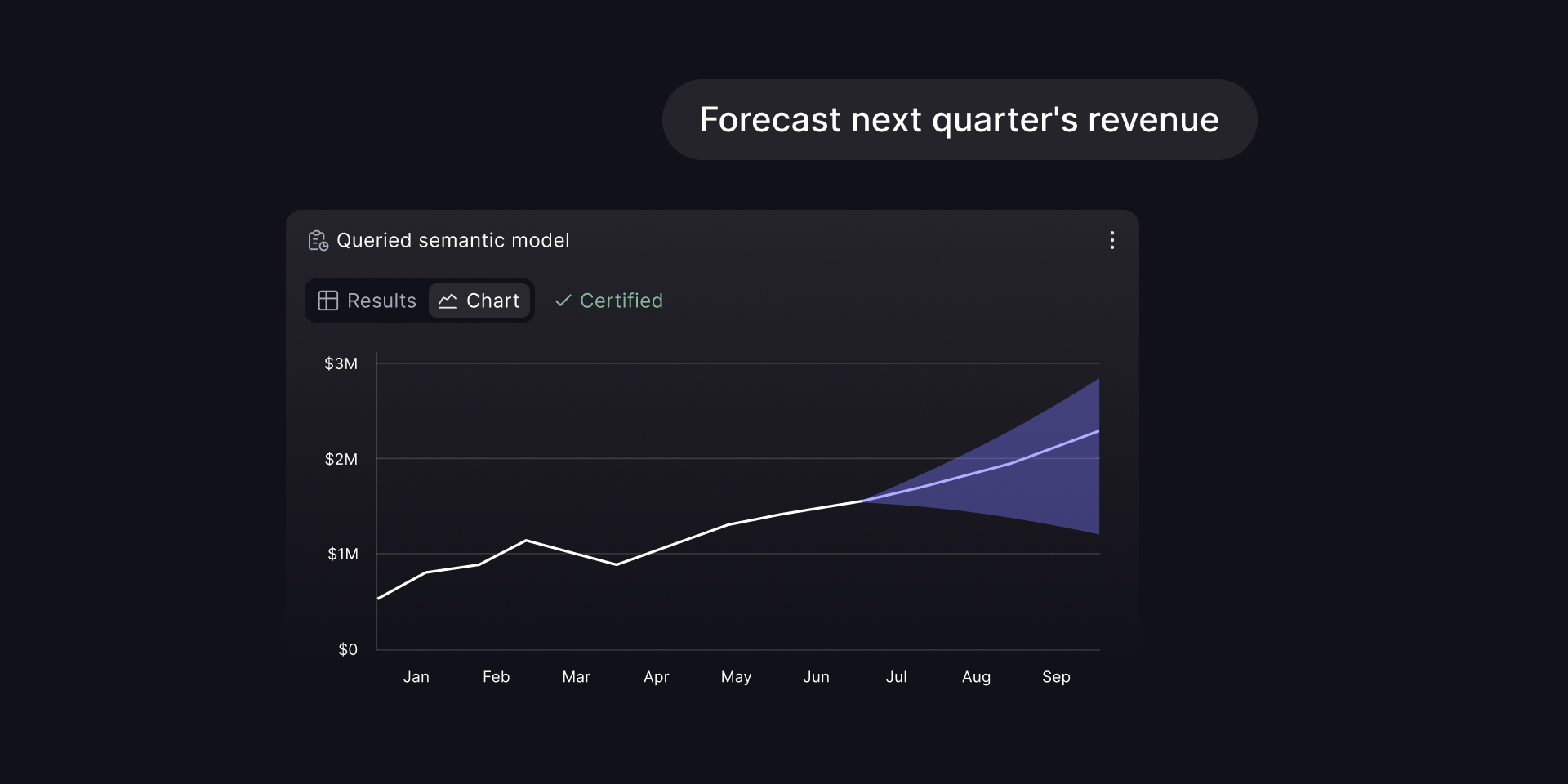
Today we are introducing the Cube Slack Agent.
When we shipped Analytics Chat as part of Cube Agentic Analytics last year, the goal was to give every person in an organization a safe way to ask questions of the semantic layer in plain language. It worked well inside the Cube UI, but talking to customers it was clear that a lot of the analysis cycle actually happens in Slack — that's where the questions get asked, where screenshots get pasted, and where decisions get debated before anyone opens a dashboard.
So we brought the agent there. DM the Cube app, ask a question, get an answer in the thread.
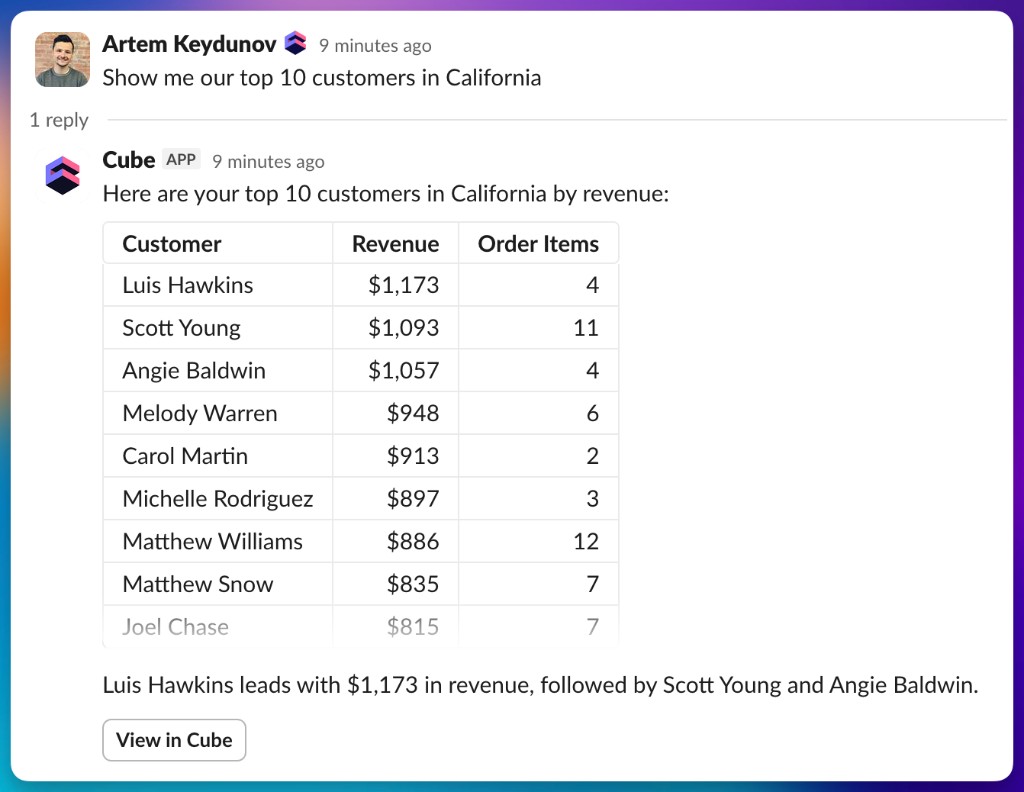
Same agent, same semantic layer
The Slack Agent is the same Analytics Chat agent that runs inside Cube, exposed through a different interface. It queries your semantic layer directly, so every answer uses the measures, dimensions, joins, and access controls your team already defined.
A general-purpose LLM pointed at your warehouse can produce a confident answer to almost any question, but it has no way to know whether the SQL it wrote matches how your business actually defines the metric. Grounding the agent in the semantic layer is what makes its answers reliable: it uses your team's definition of "active customer" or "ARR" rather than guessing one from column names.
Threads map to Analytics Chat sessions
Each Slack thread is a real Analytics Chat session, just rendered in Slack. The first message starts the session; replies in the thread keep it going. You can drill in ("split it by plan tier"), narrow the window ("just the last quarter"), or change the view ("show me the weekly trend instead"), and the agent carries the previous turn's measure, filters, and breakdowns forward, so you don't have to re-set what you were already looking at.
The session is also visible in the Cube UI. If a Slack thread turns into something worth keeping, a data engineer can open the corresponding session in Cube to inspect the queries the agent ran, refine the analysis, or save the result to a workbook.
Identity by email, permissions from Cube
The agent identifies the person asking by their Slack email and matches it to a Cube user. From that point on, every query the agent runs in the thread is executed with that user's permissions — the same row-level security and access policies you've already configured in Cube. There is no separate Slack-side access layer. If a user can't see a metric in Cube, asking the same question from Slack returns nothing either.
Setup
A workspace admin connects Slack once from Settings → Integrations → Slack in Cube, picks the deployment to use, and selects the agent that should respond. After that, anyone in the Slack workspace whose email matches a Cube user can DM the app and start asking questions.
Get started
The Slack Agent is available now on Premium and above plans. If you're already on Cube, an admin can enable it today from Settings → Integrations → Slack — see the setup docs for step-by-step instructions. If you're new to Cube, request a demo and we'll walk you through the full Agentic Analytics workflow.
We're actively working on the next set of capabilities — in-channel mentions, multiple agents per workspace, and two-way sync between Cube and Slack. If any of those would change how your team uses this, tell us, and we'll factor that into what ships next.