Today we are launching Scheduled Tasks in Cube.
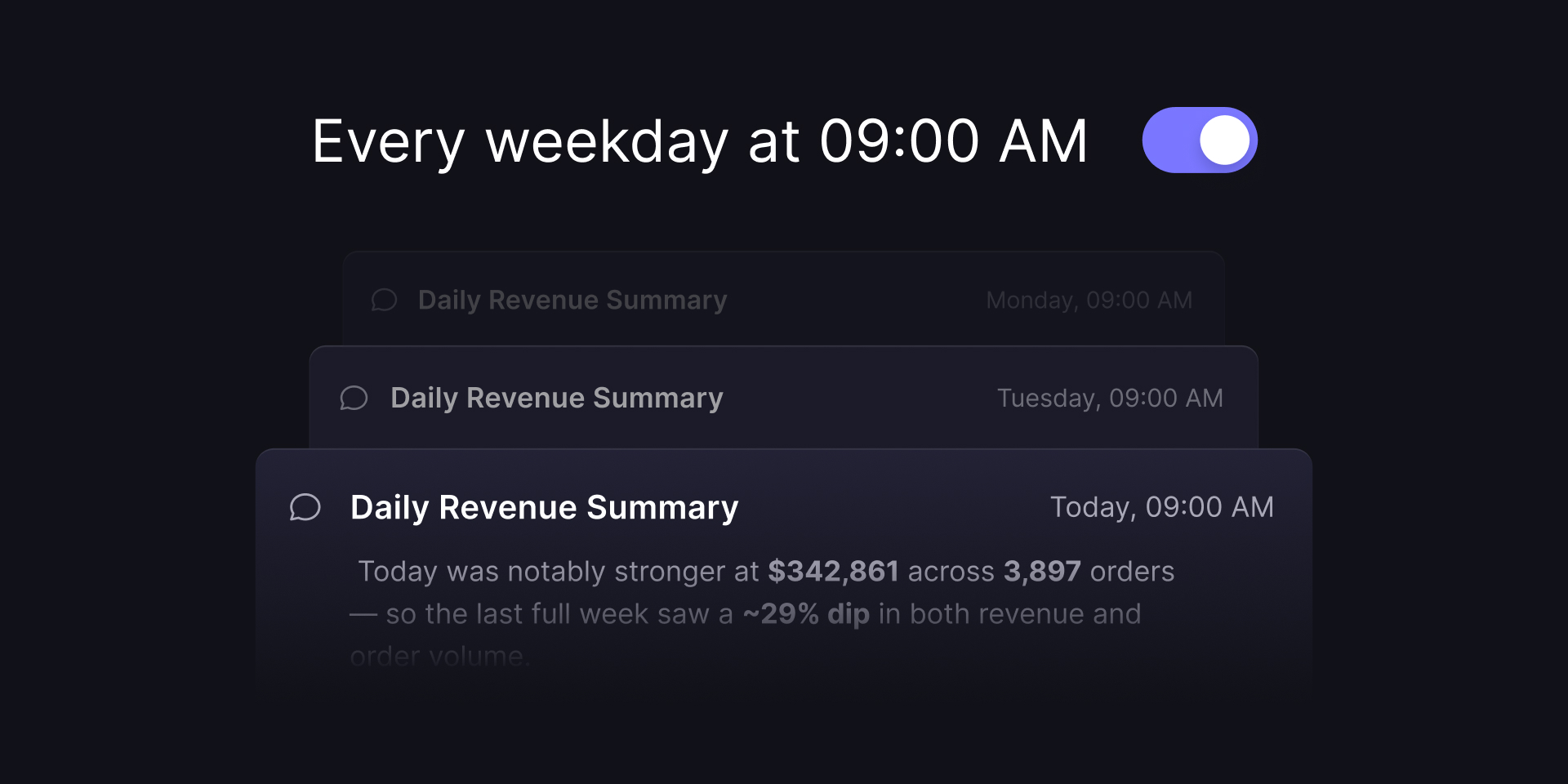
When we shipped Cube Agent Skills last month, I ended that post with what we were building toward: the agent could run any workflow your team captured, but someone still had to ask—click the button, type the slash, start the chat. Scheduled Tasks remove that step. You save a natural-language prompt once, pick a cadence, and Cube runs it without being asked.
A task is a prompt with a schedule
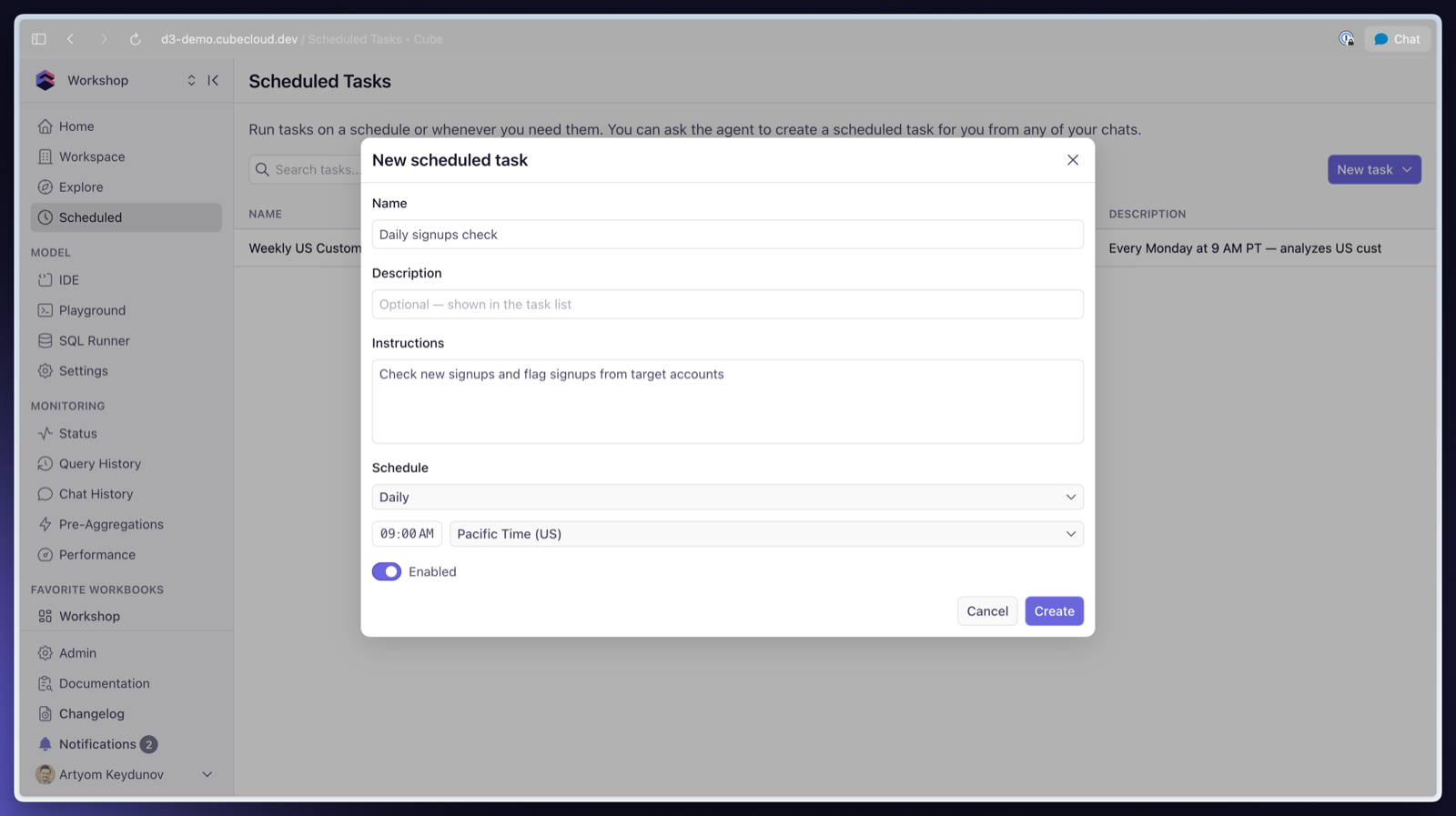
A scheduled task is a name, instructions, and a schedule. The instructions are the same kind of prompt you'd type into Analytics Chat:
Summarize yesterday's signups, flag anything anomalous, and email me the results.
Attach a schedule—hourly, daily, weekly on a given day, monthly, or a raw cron expression if you want full control—set the timezone, and enable it. There's a "Run now" button, so you can test the instructions immediately instead of waiting for tomorrow's 9am run to find out the prompt needed one more sentence.
A run isn't limited to a single query, either. On each execution the agent can query the semantic model, search the web, create or update reports, workbooks, and dashboards, and email the results to members of your workspace.
Every run is a chat thread
Each task run produces a chat thread marked with a clock icon in the Recent Chats sidebar. That makes it easy to ask follow-up questions about a scheduled run—when Monday's summary says signups dipped in one region, you don't forward the email and re-ask the question from scratch. You open that run's thread and ask why, and the agent picks up with the queries and reasoning from the run already in context.
Tell the agent to schedule it
You can set a task up manually through a dialog, but the way I create them is by asking. "Create with agent" opens Analytics Chat, where the agent interviews you about what you want, drafts the instructions, and saves the task. And from any chat, you can ask the agent to schedule, update, list, or delete tasks in plain language—finish an analysis you like and tell it "run this every Monday at 8am and email me."
It runs as you
Every task runs headless under the security context of the user who created it. A run sees exactly the data its creator can access—the same row-level security, the same access policies—and email recipients are limited to workspace members. There's no separate service account with broad permissions quietly generating reports.
And because the agent queries the semantic model, the numbers in Tuesday's run are computed the same way as Monday's, using your team's definition of "active user" rather than one improvised from column names each time.
One limitation in this first release: scheduled runs can't edit the data model. Changing the semantic layer stays in interactive chat for now.
Skills on a schedule
This is the pairing I teased in the Agent Skills post. A task's instructions go to the same agent that runs your skills, so a task that invokes your team's weekly revenue report skill every Monday at 8am means the report is generated and waiting when people sign in—produced by the vetted, versioned workflow you wrote once, not a prompt someone re-types from memory.
Get started
Scheduled Tasks are available now in Cube. If you're already a customer, open Analytics Chat and ask the agent to schedule something your team checks by hand every morning—or read the docs for the full setup. If you're new to Cube, request a demo and we'll walk you through Agentic Analytics end to end, scheduled tasks included.